Cashless
- 🔥 Liquicity uses a cashless system with wristbands (1 LIQ = €3,90)
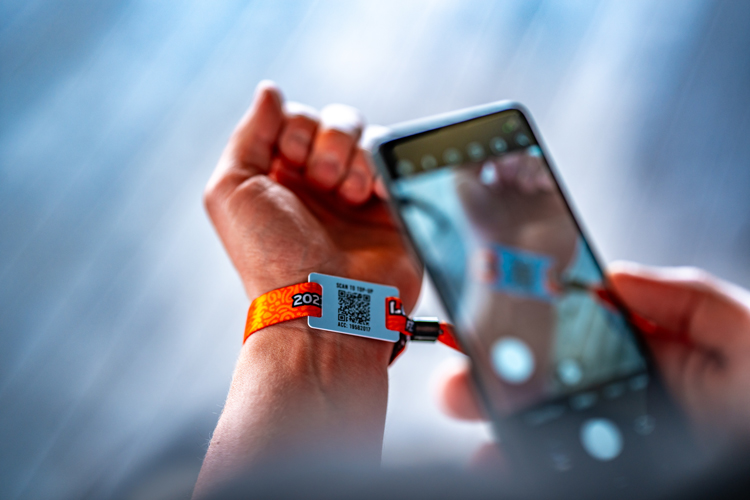
- 📱Top up (without fees) online (scan wristband QR or use the Liquicity app) and offline (top-up terminals or with cash at the camping shop)
- ☀️ Your wristband is free and starts with 0 balance
- 📊 New: transaction history, top-ups & refunds in the Liquicity app
- 🥳 Wristbands cannot be taken off making it difficult to lose your funds
- 💨 Shorter queues and walking times due to easier online phone top-ups
- 👯♂️ Pick up a Group Wallet card in the camping shop (0.5 LIQ) to share top-ups and expenses!
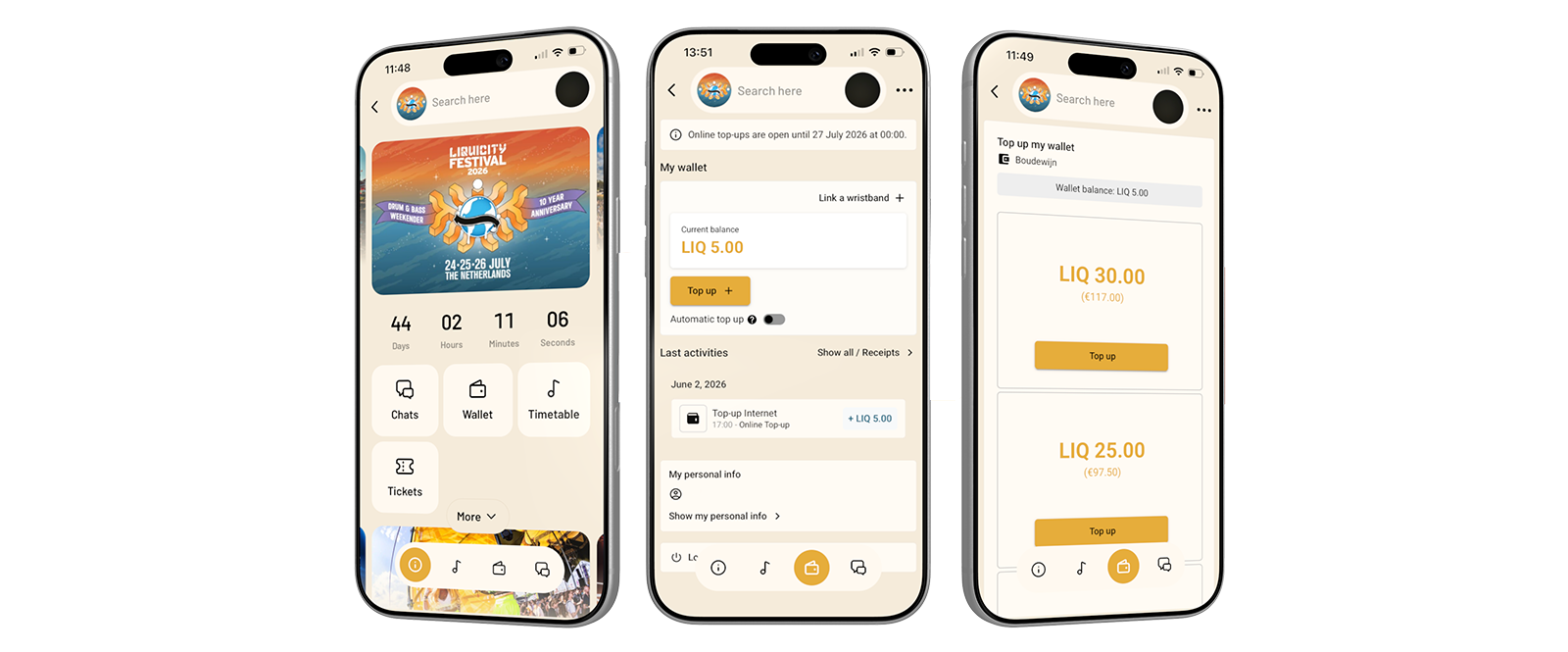

This year, you can use the Liquicity App to see your transaction history, top-up before & during the festival and refund unused tokens afterwards. Top up at least 10 LIQ before 23:59 on Sunday the 5th of July to join the raffle:
- 20x 10 LIQ
- 10x Liquicity Festival 2026 T-Shirt
- 10x Liquicity Festival 2026 Flag
- 10x Entry to the Backstage Safari
How to enter?
1) Top-up & view balance
Using the Liquicity App (before & during event)
- Open the app, navigate to Wallet & configure your account
- Don’t have your wristband linked yet? Tap Link a chip + in the top right and enter the 6-character tag number found on the back of your wristband, then tap submit. Once your chip is linked, your LIQ balance is shown under current balance.
- Tap Top up + to add LIQ to your wristband
Directly by scanning your wristband QR-code (during event)
- Scan the QR-code on your wristband
- Select the number of LIQ and complete your payment
Via a Cashless top-up station (during event)
- Top up with cash and card in the camping shop
- Top up with card at the top-up stations found at every bar
2) Pay with your wristband
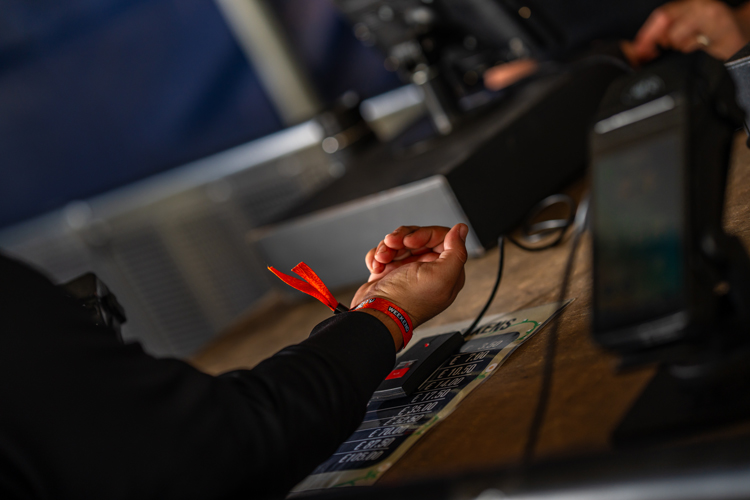
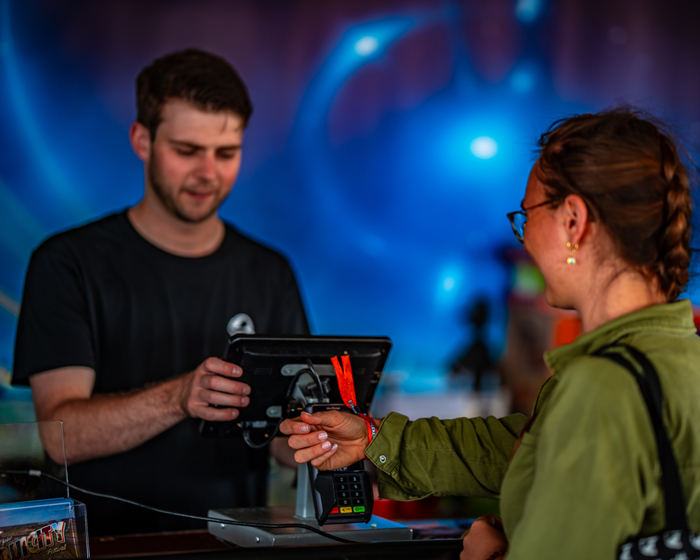
- Hold your wristband against the payment terminal to pay
- After each payment, your new balance is displayed directly on the terminal
- You can also open the app at any time to check your current balance and full payment history under My Wallet
Restitution
- You can refund your remaining LIQ balance between Tuesday 28 July 2026 – 11:00 CEST and Tuesday 11 August 2026 – 11:00 CEST by scanning your QR, festival.liquicity.com/cashless, or your account in the Liquicity app.
- Restitution fees: 0.5 LIQ
Support
- Double charge, missing deposit or other issues? Visit the Cashless top-up station in the camping shop for support if you experience issues with your wristband.
- After the event, you can contact [email protected] for any questions.
Questions & Answers
LIQ is the digital currency used at Liquicity Festival. You load LIQ onto your wristband and use it to pay at all bars and food stands on the festival and campsite. 1 LIQ = €3.90
All payment methods are without transaction fees.
- Online: Cards, Apple Pay, Google Pay, iDeal, Bancontact
- At event: Cash (only at camping shop), cards
Topping up with iDEAL? You’ll be redirected to your browser to complete the payment. Once it goes through, just reopen the Liquicity app and your balance will be there.
You can view the balance of your wristband in four ways:
-
- Scan the QR-code on your wristband
- Using the Liquicity App
- Cashless Top-up station
- Look at the payment terminal after paying
You can top up the LIQ balance on your wristband in Three ways:
- In the app: go to My Wallet and tap Top up +
- Scan the QR-code on your wristband to top up online
- Go to one of the Cashless Top-up stations on the festival or campsite grounds.
- The top-up stations in the camping shop are staffed. You can pay with cash, credit card and debit card.
- The top-up stations on the festival are not staffed. You can only pay with credit card and debit card
Yes! There are several online payment methods that you can use. Simply scan the QR-code on your wristband, select an amount of LIQ tokens and choose the payment method you prefer. If you can’t find anything suitable, you can visit one of the Cashless top-up stations.
Yes! You can refund your remaining LIQ balance between Tuesday 28 July 2026 – 11:00 CEST and Tuesday 11 August 2026 – 11:00 CEST via festival.liquicity.com or in the Liquicity app.
After Tuesday 11 August 2026 – 11:00 CEST, it is no longer possible to request restitution.
The restitution fee depends whether you use IBAN (0.5 LIQ)
Yes! You can top up your wristband online before the festival starts. Simply link your wristband to the app, go to My Wallet and tap Top up +.
Open the app and go to My Wallet. Tap Top up + and choose the amount you want to add. Complete the payment using your preferred payment method. Your new balance will be updated immediately.
Open the app and go to My Wallet (the wallet icon in the bottom navigation). Tap Link a chip + in the top right corner. Enter the 6-character tag number printed on the back of your wristband and tap Submit. Your wristband is now linked and your balance will be visible in the app.
Go to the Cashless Top-up station in the camping shop for support from the cashless crew. They will verify whether your wristband was charged double and can restitute one of the payments.
If you can’t top-up your balance by scanning the QR-code, pay at the terminals, or your wristband broke, please go to the Cashless Top-up station in the camping shop for support.
You receive your wristband when you enter Liquicity Festival, and you must wear it at all times. Without your wristband, security has to assume that you accessed the grounds illegally. If your wristband is lost, find a security guard and explain the situation.
Without your wristband, it is not possible to request restitution. We therefore strongly advise you to take a photo of the code on your wristband before or when you arrive, or write it down somewhere safe.
You can find a full overview of your transactions in the app under My Wallet. Tap Show all / Receipts to see all your payments and top-ups. You can also request a receipt at the Cashless Top-up station in the camping shop.